
AI Video Face Swap - Transform Characters
Swap the face in your video naturally and stably.
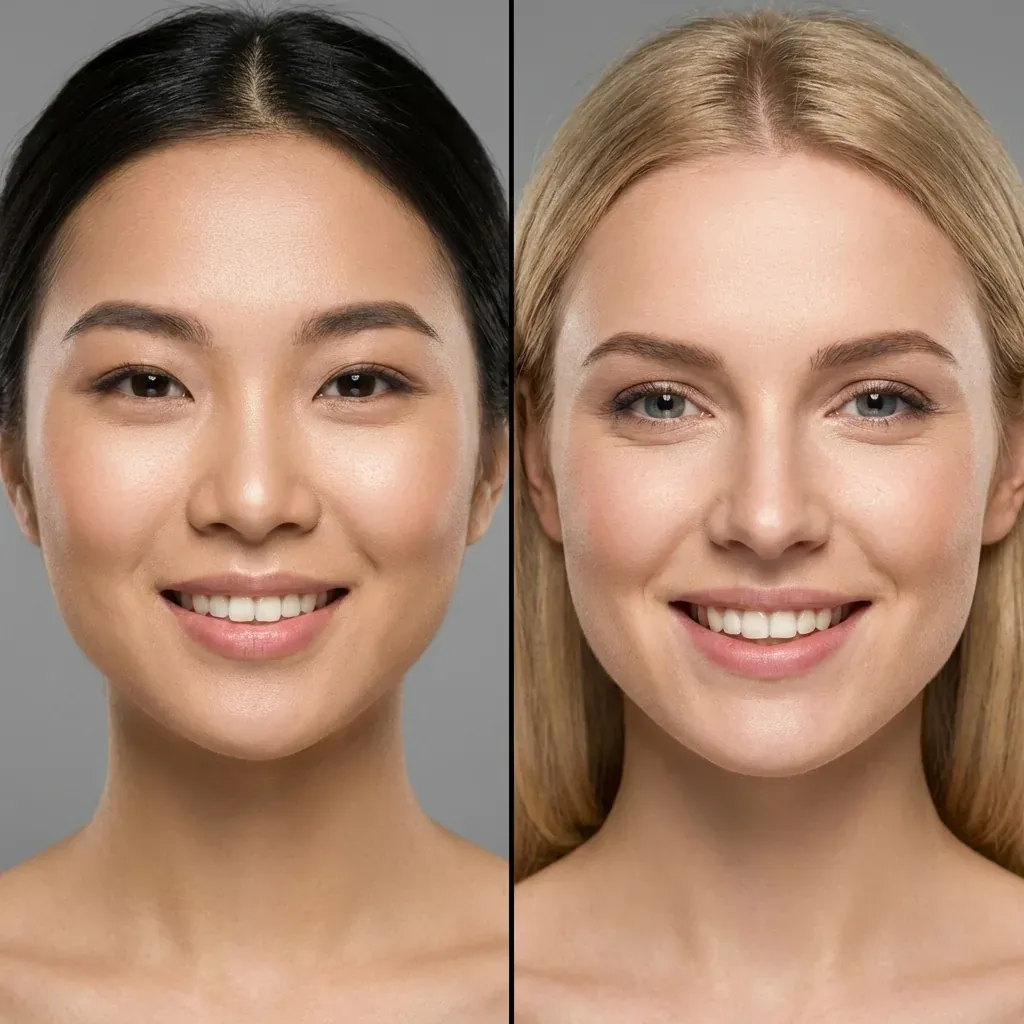
See the Difference
Experience the quality enhancement powered by AI
Who uses Video Face Swap
Real workflows from teams creating for global audiences
Face Stand-in
Can't appear on camera yourself? Replace the facial features with a single photo — the original expressions and mouth movement stay intact.
A Face per Market
Send one source clip to different markets with a different face on each, without re-recording the performance.
E-commerce Variants
Run the same product video with different faces and see which one converts better.
Content Repurposing
Swap the presenter's face in your own footage and give old assets a second life.
Core Features
Natural Blend
Skin texture and lighting matched naturally
- ✓Keeps expressions
- ✓Matches lighting
- ✓Natural blend
Video Stability
Stable across frames
- ✓No jitter
- ✓Consistent identity
- ✓Smooth motion
Single Face Support
Swap one face at a time with maximum precision
- ✓Focus on main character
- ✓High detail retention
- ✓Perfect for creators
How it works under the hood
A look inside the pipeline — every step is driven by real engines
Face Detection
Automatically locates the face in every frame
Feature Alignment
Expression, angle, and lighting matched frame by frame
Face Generation
Generates the target face stably, expressions follow naturally
Edge Blending
Skin tone and lighting transition seamlessly — no visible seam
User Guide
Upload Source
Upload target video and source face
Face Swap
AI maps and blends the new face
Get Result
Download your transformed video
Specs and limits
The hard facts you need before submitting, at a glance
vs. Reshooting
Organize a reshoot: Rebook talent, reshoot the entire clip
Oiiyao: One photo creates a new version
Organize a reshoot: Scheduling, shooting, and post-production take weeks
Oiiyao: Upload and process — results in minutes
Organize a reshoot: Every version requires a separate shoot
Oiiyao: Different faces on the same clip — no reshoot of the performance
Frequently Asked Questions
Tools that work together
Chain the next step in your real workflow
Video Head Swap
Features alone not close enough? Swap hair and face shape together for a much stronger likeness.
Learn more →Video Translation
Swap the face, then add the target language — full localization in one pipeline.
Learn more →Lip Sync
Changed the language? Make the lips match too.
Learn more →