
AI Video Translation - Make Videos Speak Any Language
AI video translation in 70+ languages — automatically detects multiple speakers and clones each original voice with no cross-talk; localize short dramas, podcasts, e-commerce, courses and creator content for global release.
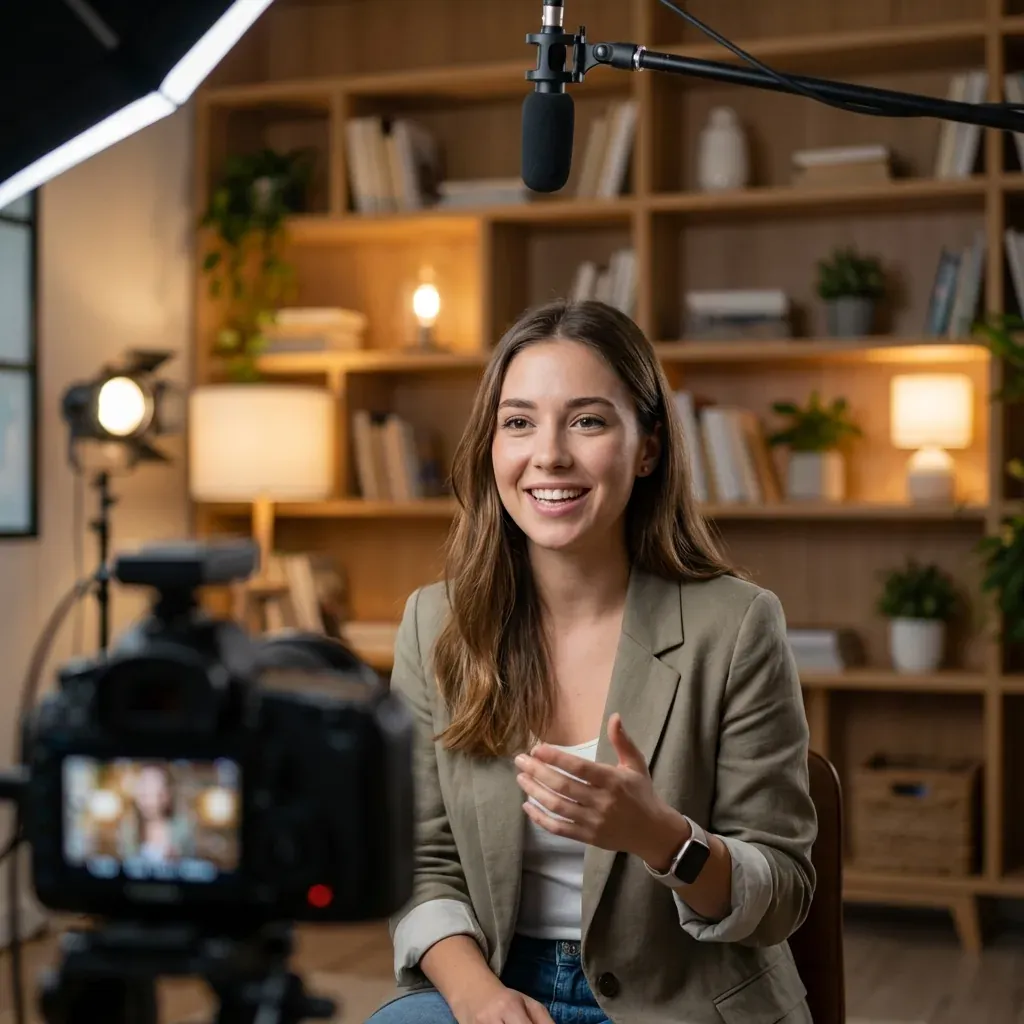
See the Difference
Experience the quality enhancement powered by AI
Who uses Video Translation
Real workflows from teams creating for global audiences
Brands going global
Remaking promo videos, launch keynotes and product demos for every language is expensive. Turn one master video into localized versions for every market, with brand messaging kept consistent.
Courses and e-learning
Recording every language yourself is not realistic. Clone the instructor's voice, translate line by line, review technical terms sentence by sentence — bulk-localize your courses for global learners.
Cross-border e-commerce
One product video needs to work across multiple markets. Generate English, Spanish, Arabic and more from the same source clip — expand your TikTok Shop and Amazon ad library fast.
Creators going worldwide
Publishing one video to one language region leaves reach on the table. Dual-track dubbing and subtitles let you run YouTube and TikTok accounts across multiple languages simultaneously.
Short drama & film
Multi-character short dramas, web series and films — auto-separate each role and clone their voice, then batch-localize whole series for ReelShort, TikTok and more.
Podcasts & interviews
Multi-host podcasts and interviews — separate each speaker into their own dubbed track and ship multilingual versions to global listeners.
Core Features
70+ Languages
Translate to 70+ languages worldwide
- ✓70+ languages supported
- ✓Multilingual subtitles supported
- ✓Pick target language in one click
Multi-speaker
Auto-separates each speaker and clones their voice
- ✓Auto-detects multiple speakers
- ✓Each speaker's own voice, no cross-talk
- ✓Great for dramas, interviews, podcasts
Voice Preservation
Keep the original speaker's voice characteristics
- ✓Preserve original speaker voice
- ✓Natural pace and emotion
- ✓More human-like dubbing
Lip Sync
AI-powered lip synchronization for natural results
- ✓AI lip-sync alignment
- ✓More natural visuals
- ✓Significantly better viewing experience
How it works under the hood
A look inside the pipeline — every step is driven by real engines
Speech recognition
Transcribes the original dialogue line by line with precise timestamps
LLM translation
Understands full-paragraph context; every line stays editable
Voice clone synthesis
Speaks the target language in the original speaker's cloned voice
Audio-video alignment
Auto-calibrates speech rate so translated audio fits the original pacing
Final composition
Background music preserved; subtitle style editable online
User Guide
Upload Video
Upload your video file
Select Languages
Choose source and target languages
Select Voice
Choose system voice or AI clone
Smart Erasure (Optional)
Auto-remove subtitles or watermarks
Submit Video
Start AI video processing
Get Translation
Receive your dubbed and translated video
Specs and limits
The hard facts you need before submitting, at a glance
vs. Traditional Human Translation
Human subtitlers + dubbing studio: A few to tens of US dollars per minute
Oiiyao: Under US$1 per minute
Human subtitlers + dubbing studio: Days or weeks of scheduling
Oiiyao: Ready in minutes
Human subtitlers + dubbing studio: Back-and-forth feedback, re-recording
Oiiyao: Edit subtitles and swap voices online anytime
Human subtitlers + dubbing studio: Hire a new team for each language
Oiiyao: Switch language and re-run the same video
Frequently Asked Questions
Tools that work together
Chain the next step in your real workflow
Smart Erase
Erase burned-in subtitles and watermarks before translating, so the new version starts from a clean frame.
Learn more →Lip Sync
After translating, sync the speaker's lip movements to the new language for a natural-looking result.
Learn more →Video Generation
Generate visuals with AI first, then translate and dub into multiple languages.
Learn more →